Revive an old iPod: battery, flash storage, and Rockbox, in the right order
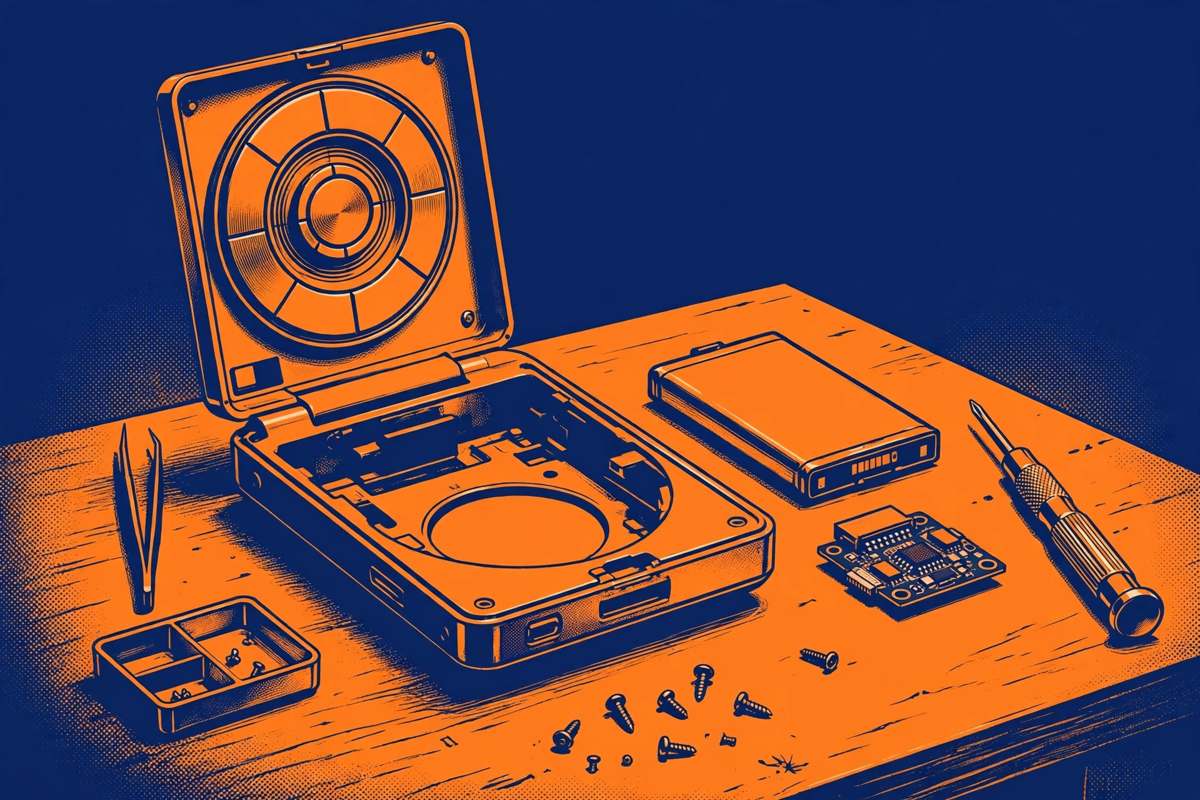
The usual diagnosis for a drawer iPod is wrong. A player that dies in two hours and clicks while it plays is not one broken device, it is two separate wear items, a tired battery and a dying mechanical hard drive, sitting in a case that is otherwise fine. Fix them in the right order, with generation specific parts, and the result is a dedicated music player that runs for days between charges and never asks for a subscription.
Step zero: name your generation before buying anything
Generation decides almost every choice in this project. Restoration teardowns document that the 5th and 5.5 generation models use a Wolfson WM8758 DAC, the chip listeners tend to prefer for its warmer sound, while the 6th and 7th generation models switched to Cirrus Logic chips. The generations differ physically too: a firsthand rebuild of a 5th generation player describes a plastic front that opens with a thin spudger style tool releasing clips along the sides, while the later metal bodied Classics are widely reported as much harder to open.
Generation also decides how much storage the stock firmware will accept. The 6th generation Classic carries a firmware imposed 128 GB storage cap on Apple's stock operating system: fit a larger flash adapter and the player simply refuses to see the extra capacity. Rockbox removes that cap. The 7th generation has no such limitation on stock firmware, which makes the 5.5 and 7th generation the smoothest starting points for a big storage build.
The decision ladder: replace only what is failing
| Symptom | Likely cause | The fix that matches |
|---|---|---|
| Plays fine, dies within a few hours | Battery wear | Battery only; leave the drive alone |
| Clicking, freezing, sad face screen | Failing mechanical hard drive | Flash storage adapter; battery while the case is open |
| Both of the above | Both wear items at end of life | Battery and flash adapter in one opening |
| Works, but syncing is the pain point | Software, not hardware | Rockbox; no opening required first |
Opening the case is the risky part of the whole project, so the ladder exists to keep it to one opening. If the drive is coming out anyway, the battery goes in during the same session, because the labour is the opening, not the parts.
The battery numbers, honestly
The original thin iPod Classic battery is rated at roughly 550 mAh. Aftermarket replacements are sold with far bigger numbers printed on them, and restoration coverage citing iFlash's own battery guidance puts a battery sold as 3000 mAh at an estimated real capacity of roughly 1800 mAh, based on the cell's volume. That is still a large upgrade over a worn original. The same coverage sets a realistic expectation for a flash modded iPod carrying that battery at 20 to 40 hours of continuous playback, depending on volume, file format, and power management. Plan around the honest figure and the player will exceed it in lighter use; plan around the printed figure and every runtime will feel like a shortfall.
Flash storage: why the spinning drive goes
The mechanical hard drive is the part most likely to end the player's life, and flash adapters exist precisely to retire it. One documented rebuild replaced a 30 GB drive with an adapter holding four 64 GB microSD cards, giving about 250 GB of usable space, more than eight times the original capacity. Flash storage also removes the moving part that skips when the player is knocked, and it draws less power than the drive it replaces, which is part of where the long runtimes come from. Inside the case, expect small ribbon connectors with flip up locking bars; good light and tweezers are the tools that matter, and a swollen or hot battery is a stop signal, not a challenge.
Rockbox: the software half of the revival
Rockbox is free, open source replacement firmware, and its 4.0 release keeps stable ports for all iPod Classic and Video models, along with the iPod Mini and the first two iPod Nano generations. Three of its features matter most for a revived player. It removes the 6th generation's 128 GB stock storage cap. It plays formats the stock firmware will not, with updated FLAC and WMA Pro codecs and support for high bitrate music up to 192 kHz, limited to 16-bit playback. And it frees the player from proprietary sync software: files can live on a simple FAT32 disk partition and be copied over directly. Many players can also dual boot Rockbox and the original firmware, so the stock system remains one restart away while you decide which you prefer.
Success looks like this: the player charges once and plays across several days of ordinary listening, the library you copied over appears without a sync application, and the most demanding test, a long FLAC album played start to finish, runs without skips or freezes. At that point the drawer iPod has a job again, as the music player that does nothing else and therefore does it without interruption.
— Dex Carter, Tech Writer